Retro Bowl
A Small World Cup
Super Mario 3.0 World
Sling World Cup

Soccer Skills 2 World Cup
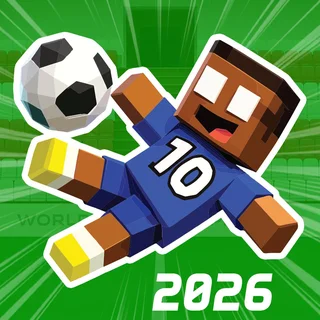
A Small World Cup 2
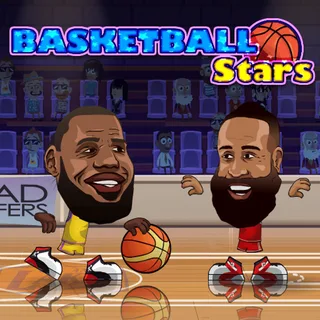
Basketball Stars
Basketball Legends
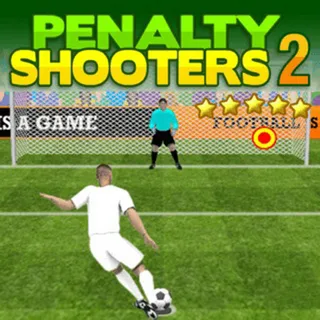
Penalty Shooters 2
Slime Dunk
Basketball Real
Animals Volleyball
Soccer Skills World Cup Unblocked — Play Free Online
SportsPlay Soccer Skills World Cup free online: drag to dribble and release to shoot as you chase the World Cup solo or against real opponents.
Soccer Skills World Cup unblocked: play Soccer Skills World Cup online free right here in your browser — no download, no sign-up, works on a school Chromebook.
Soccer Skills World Cup swaps out arrow-key dribbling for something closer to how you'd actually play soccer on a touchscreen or trackpad: you drag to move and let go to strike the ball. That single mechanic runs the whole game, from a nervy first touch inside your own box to a last-minute free kick, and it's the reason the game feels different from the arcade football on the rest of this site.
The main mode has you picking a national team and working through the bracket to win the World Cup, match by match, against the computer. There's also a multiplayer option that puts you up against other people online instead of the AI, which changes the pace completely — real opponents don't fall for the same fake-outs twice.
How to play
Drag your finger or mouse in the direction you want your player to move, then release to kick. How far and how fast you drag matters: a short, light drag gives you a slow, controlled touch, while a long, hard drag sends the ball off with real pace. That one input handles dribbling, passing and shooting, so the game is really testing how well you can judge distance and power rather than how fast you can hit buttons.
Matches include the situations you'd expect from real soccer — throw-ins when the ball goes out, corner kicks, fouls that stop play, and penalties when things get physical in the box. Each of those puts the ball in a fixed spot and asks you to line up the same drag-and-release motion under a bit more pressure.
Tips
Keep your drags short when you're dribbling through a crowd — you want small, controllable touches, not a full-power kick that runs the ball straight into a defender's legs.
Save the long, hard drags for moments with a clear lane to goal or a teammate in space; that's when the extra pace on the ball actually helps instead of giving away possession.
On penalties and free kicks, take an extra second to aim before you release — you have the time, and a rushed drag is the most common way to put a clean chance wide.
Similar games on Retro Bowl
If arcade sports is what brought you to this site, a few other games here scratch a similar itch. Football Legends is a side-view brawler-style take on American football with over-the-top hits, 4th and Goal 2019 sticks closer to a straightforward play-calling game, and Basketball Stars trades the pitch for the court with the same quick, one-on-one match structure. Soccer Skills World Cup is the one to pick when you want a full soccer match rather than football or basketball.
Because everything runs off a single drag gesture, it's comfortable on a touchscreen as well as a mouse, so it's a reasonable pick if you're playing on a phone or a Chromebook between classes rather than at a full keyboard.
Questions about Soccer Skills World Cup
Is Soccer Skills World Cup unblocked at school?
Soccer Skills World Cup runs in an ordinary browser tab from retrobowl911.com, with nothing to download or install, so it plays on most school Chromebooks and work computers. If a network filter blocks the site, only that network's administrator can change it.
What are the controls for Soccer Skills World Cup?
Drag your mouse or finger to move your player and release to kick. The length and speed of the drag control how far you move and how hard the ball is struck.
Can I play against other people?
Yes. Alongside the solo World Cup mode against national teams, there's a multiplayer option that matches you against real opponents online.
Does it work on a phone or Chromebook?
Yes, since the whole game runs on a single drag-and-release gesture, it works with touch as well as a mouse or trackpad.
How do penalties and free kicks work?
They use the same drag-and-release motion as open play, just from a fixed spot, so it helps to take a moment to aim before releasing.